
LSB Reading Plans
Jesus said, “Man shall not live on bread alone, but on every word that proceeds out of the mouth of God” (Matthew 4:4). Just like we cannot survive and grow without physical food, Christians cannot live without a regular intake of the spiritual food of the Word. Reading the Bible in a year may seem like an intimidating goal, but below you will find two proven easy-to-read plans to help you go through the entire Bible in one year.
Two Plans to Choose From
The LSB Daily Reading Bible Plan follows the popular LSB Daily Reading Bible. Each day can be read in under 15 minutes and lays out four refreshing portions of Scripture from the Old Testament, Psalms, Proverbs, and New Testament.
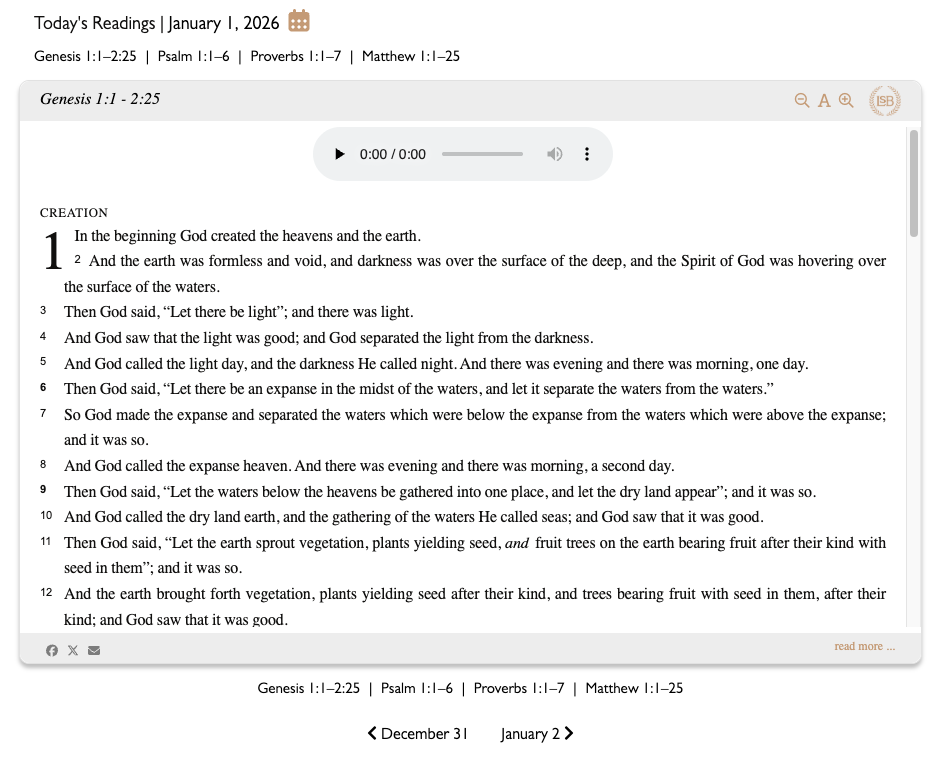
Read the LSB Daily Reading Bible Plan Now
The M’Cheyne Reading Plan is a classic daily schedule that guides readers through the New Testament and Psalms twice a year and the Old Testament once a year.
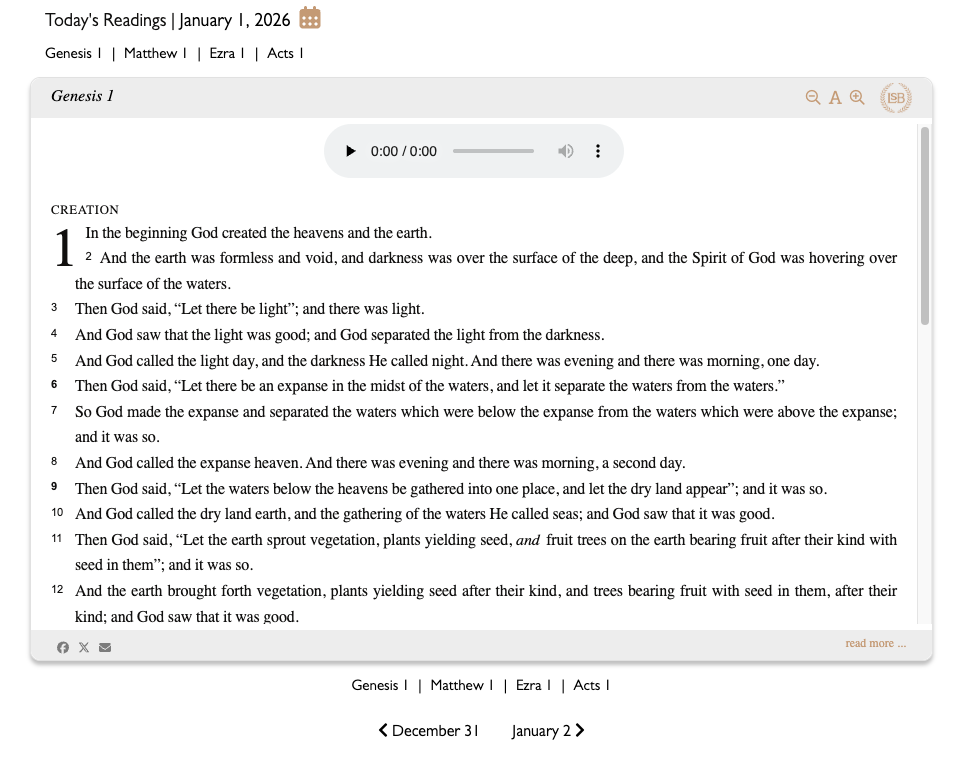
Read the M’Cheyne Reading Plan Now
If you are looking to get the most benefit out of your Bible reading this year, you can also now read about Charles H. Spurgeon’s 7 principles on how to read the Bible by clicking here.
Add it as an “app” on your smartphone
Did you know that you can add an LSB Reading Plan shortcut like an app on your smartphone homescreen?
Apple
- Go to the Safari app
 on your iPhone.
 - Go to the M’Cheyne Plan or LSB Daily Reading Bible Plan website.
- Tap
 , then tap Share.
If your Tabs layout is Bottom or Top, tap . See if needed Change the layout in Safari.
 - Scroll down the list of options, then tap Add to Home Screen.
If you don’t see Add to Home Screen, you can add it. Scroll down to the bottom of the list, tap Edit Actions, then tap Add to Home Screen.
 - Turn on Open as Web App.
- Tap Add.

Android
- On your Android device, open Chrome
.
- Go to the M’Cheyne Plan or LSB Daily Reading Bible Plan website.
- To the right of the address bar, tap More
Add to home screen
- From the dialog that appears:
- Rename: Select the default name for the shortcut or rename the shortcut.
- Tap Add.
- Tip: Shortcuts with Chrome logo will open in Chrome.


Add it to your church website or blog
Installing the LSB reading plans on your website is as simple as adding the following script to your website. Just place the following lines of code wherever you’d like to display the selected reading plan.
LSB Daily Reading Bible Plan
<script src="https://lsbible.org/wp-content/plugins/lsbible-reftagger/dist/reading-plan.min.js" data-plan="daily"></script>
<div class="lsb-reading-plan-daily"></div>
M’Cheyne Reading Plan
<script src="https://lsbible.org/wp-content/plugins/lsbible-reftagger/dist/reading-plan.min.js" data-plan="mccheyne"></script>
<div class="lsb-reading-plan-mccheyne"></div>